


Dynamic lumbar support chair technology is changing how we experience comfort and spinal health at work. If cheap office chairs have left you aching or you want genuinely adaptive back support, this practical guide breaks down how these smart chairs work, how to choose one, and potential drawbacks before you buy.
Key Takeaways
- Dynamic lumbar support chairs actively adjust to your movements, offering tailored spinal alignment beyond fixed or static designs.
- Models like the Steelcase Leap V2, Haworth Fern, and OdinLake O2 stand out in 2024–2025 for adaptive features—but expect higher prices for premium mechanisms.
- Despite glowing user feedback, there are gaps in long-term durability data and independent clinical research comparing these chairs to traditional options.
- What Is Dynamic Lumbar Support and Why Does It Matter?
- How to Choose and Set Up the Right Dynamic Lumbar Support Chair
- Advanced Analysis & Common Pitfalls
- Conclusion
- FAQ
What Is Dynamic Lumbar Support and Why Does It Matter?
Dynamic lumbar support refers to office chair technology that continually adapts to the shape and movements of your lower back. Unlike static lumbar pads that only suit a particular posture, dynamic systems automatically flex and shift their pressure distribution as you move or recline, aiming to reduce back pain and provide sustained comfort throughout long work hours.
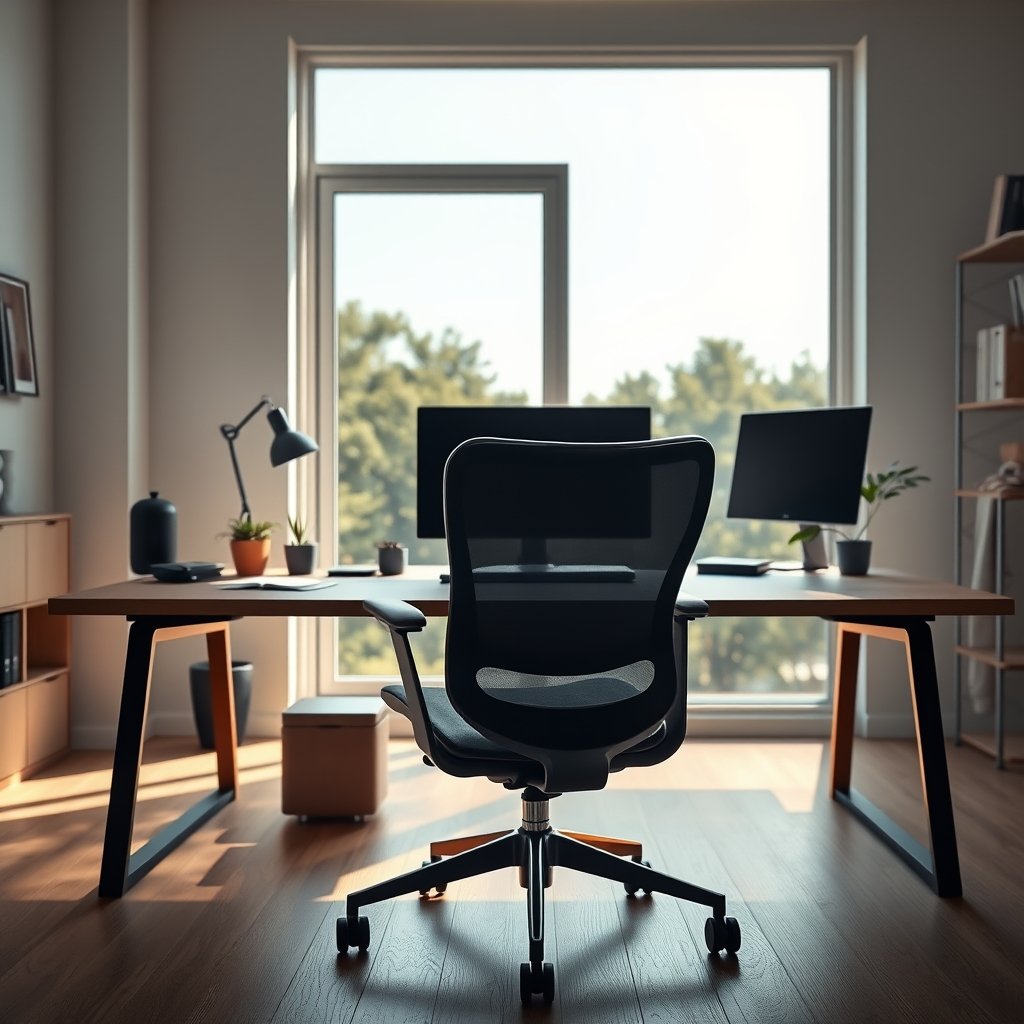
The leading dynamic lumbar support chair models for 2024–2025 include:
- OdinLake O2 Ergo MAX 747: Split-backrest and 5-level height lumbar, with real-time movement adaptation.
- Steelcase Leap V2: LiveBack™ tech senses and mirrors your spine’s natural curve, providing ongoing support during shifts.
- Haworth Fern: Uses Wave Suspension™ to flex naturally as you change position, distributing pressure organically.
- Haworth Very and Zody: Advanced Flex Back and PAL systems deliver responsive, asymmetrical lumbar support for side-specific relief.
These approaches set themselves apart by using mechanisms and flexible components that anticipate small and large changes in posture, rather than requiring manual re-adjustment or tolerating discomfort. For an in-depth look at related ergonomics, see our comprehensive ergonomic chairs guide.
How to Choose and Set Up the Right Dynamic Lumbar Support Chair
Ready to invest in a dynamic lumbar support chair? Here’s a clear process to get the best results and avoid common mistakes:
- Assess your workspace needs. Measure your desk height and workspace. Determine if you need headrest support, high weight capacity, or compact armrests.
- Shortlist chairs with real adaptive mechanisms.
- Look for features like LiveBack™, Wave Suspension™, or dynamic split-backrest systems.
- Avoid static or single-height adjustable lumbar pads—they don’t offer true dynamic support.
- Match specifications to your body type.
- Check height range, seat depth, and weight capacity (ideally up to 350–400 lb for full adaptability).
- For more info, our office chair size and fit guide covers user/body matching in detail.
- Test key adjustments in-store or upon delivery:
- Set lumbar height so it contacts your lower spine when sitting upright and reclined.
- Adjust armrests (4D is ideal) and seat depth to avoid leg pressure.
- Lock/unlock the tilt mechanism, ensuring a smooth recline without abrupt stops.
- Monitor long-term comfort. Spend several days noticing any pressure points or uneven support as you shift positions. Tweak settings as necessary.
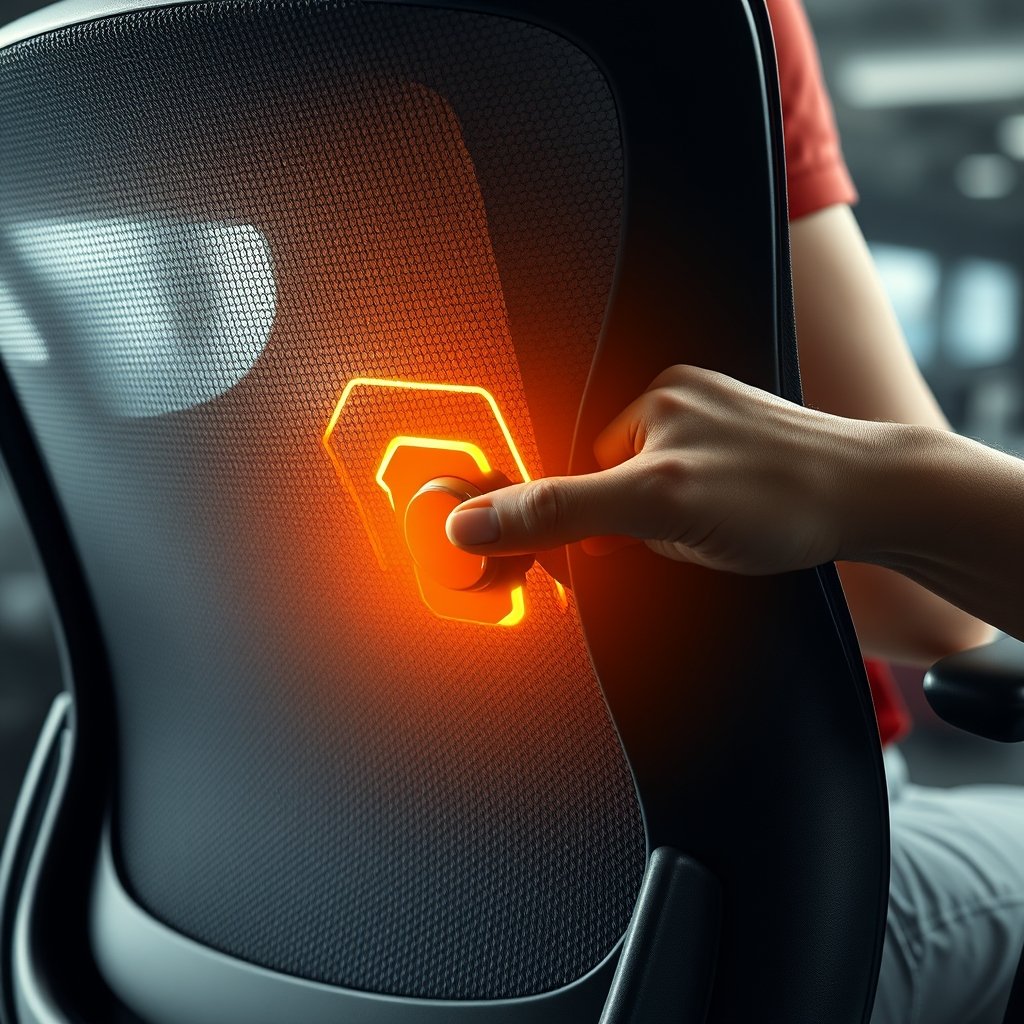
Before finalizing your purchase, check reviews and look for active warranties. If you’re considering premium brands, read our Steelcase vs Haworth comparison for side-by-side adaptive feature breakdowns.
Advanced Analysis & Common Pitfalls
Dynamic lumbar chairs outperform classic office chairs in adaptability, but there are important limitations to recognize:
Common Pitfalls and User Issues
- No Long-Term Data: Despite expert praise for real-time support (see Haworth reviews), independent labs have not published durability studies across multi-year use.
- Adjustability Gaps for All Body Types: Even top models may not suit extremes of height or weight. Manual adjustment range specifics are often underreported. See our ergonomic chairs for short people guide for more details.
- Lack of Clinical Studies: There are virtually no peer-reviewed trials directly comparing dynamic lumbar to static options for back pain reduction. Most endorsements come from ergonomists, not medical researchers.
- Price Premium: These chairs cost $699–$1900 compared to $279–$650 for reputable static models. While features like LiveBack™ and multi-level lumbar systems justify the jump, sticker shock is real.
- Unknown Wear Issues: No pattern of complaints has surfaced about squeaky or loose lumbar parts, but the lack of long-duration user reviews means real-world failure rates remain unclear.
Feature & Price Comparison
| Chair Model | Price Range | Key Premium Features |
|---|---|---|
| Steelcase Leap V2 | $1400–$1900 | LiveBack™, 400 lb capacity, 4D arms, 12-year warranty |
| OdinLake O2 | $699 | Split-back, 5-level lumbar, 350 lb capacity |
| Haworth Fern | Premium (varies) | Wave Suspension™, 3-point tilt, adjustable lumbar |
| Haworth Soji (traditional) | $500–$650 | Adjustable lumbar, 4D arms, seat depth |
| Branch Task (traditional) | $279 | Basic lumbar, 4-position tilt |
Reliability, comfort, and adaptability are often cited in expert rankings from industry sources such as BTOD, but always weigh the cost/benefit in light of your real needs.
Curious about maintenance and longer-term wear? See our post on increasing office chair longevity for practical upkeep tips.
Conclusion
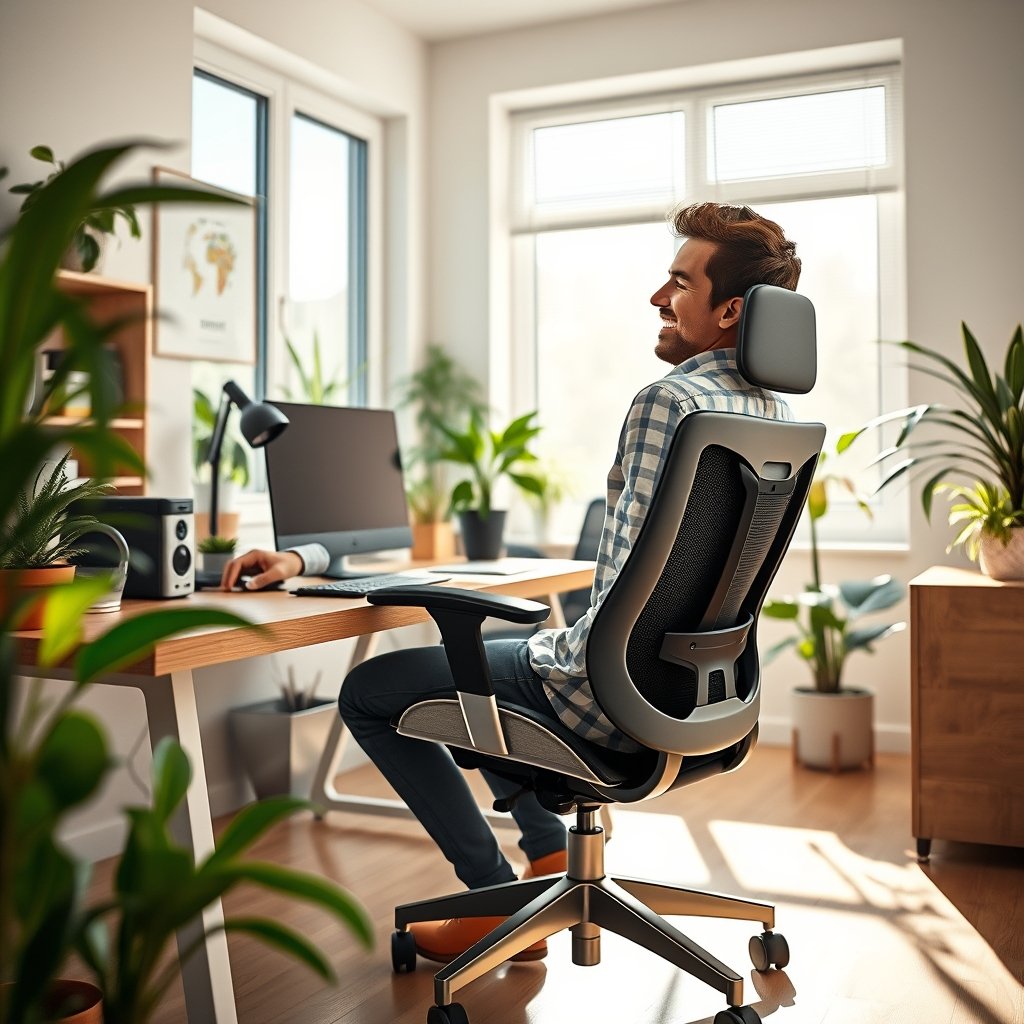
Dynamic lumbar support chair design represents a leap forward for healthy office seating. Chairs like the Steelcase Leap V2, OdinLake O2, and Haworth Fern deliver adaptive comfort, but choosing the right one means balancing features, cost, and fit. While clinical evidence is lacking, real-world adaptability and customization are stronger than on traditional chairs. Evaluate carefully before investing—and remember, proper chair use and adjustment are as crucial as the underlying mechanism.
Ready to transform your comfort? Explore our in-depth ergonomic chair picks and make your next workday pain-free.
FAQ
What is a dynamic lumbar support chair?
A dynamic lumbar support chair has back support that automatically adjusts to your movements, providing consistent lower back alignment and reducing the need for manual re-adjustment.
Do these chairs really prevent lower back pain?
While many users and experts praise dynamic lumbar support for comfort, there are no clinical studies proving they outperform static supports in reducing long-term lower back pain. Personal fit and usage habits still matter.
Are dynamic lumbar chairs worth the cost?
Premium models cost significantly more than standard chairs due to advanced adjustment systems, durability, and extended warranties. If you need maximum adaptability or struggle with back pain, the investment can pay off.
How long do the moving parts last?
Most premium brands offer 10–12 year warranties, suggesting high durability, but long-term independent user data is limited. Routine maintenance and careful use will help ensure longevity.
Are there any downsides to dynamic lumbar mechanisms?
The main downsides are higher price, lack of clinical data, and the possibility these chairs may not suit all body types. Mechanical issues are rare but possible as moving parts age.